
How to mention someone in linkedin post
In this article, we are going to talk about and try to reply to how to mention someone in a Linkedin post, it is a simple but tricky thing if you don’t know how to do it.
Why to mention someone in linkedin post?
So before we start, let’s try to understand what is the usefulness to mention or tag someone on LinkedIn.
First of all, usually when you mention someone, the mentioned person gets a direct notification that they have been mentioned.
You share the reach of your community and the community of the person tagged, if the person that has been tagged in comments on your post (as far as we know).
It is a professional way of networking and giving credit to people. Especially for events, co-workers, or colleagues.
It gives social proof because tagging, for example, an executive or an industry leader or client company page links your profile to their authority.
Enough talking. Let’s see the practical steps.
How to mention someone in a linkedin post?
So first of all, to mention someone on a LinkedIn post, you have to click on the post, just like if you want to create a new post.
To start mentioning, you have to write the @ symbol, if you’re asking, yes, the one that you use for emails.
Now you’re going to see a list of people and companies that will appear. Usually, it is of three items: and if you start writing something like as you can see in the image more related suggestions will appear until you find the thing, the person that you wanted to mention or tag.
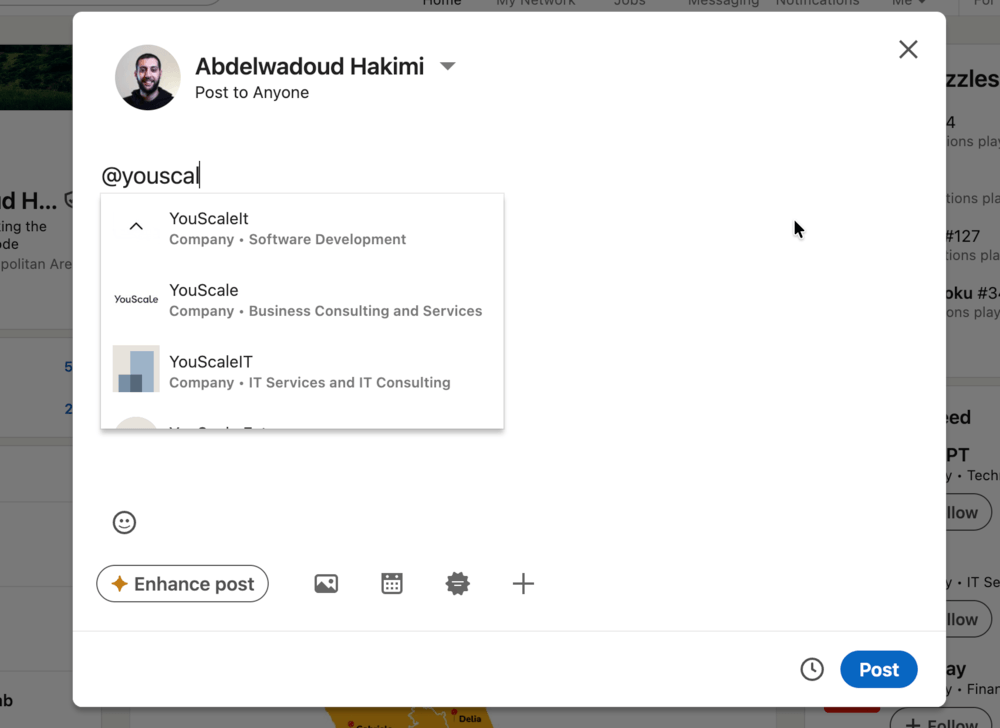
At this point, after you see the person or the company that you wanted to mention, click on it or press Enter after highlighting it
To double check that you have correctly mentioned or tagged someone, you’re going to see that that text is bold as you can see in the image below.
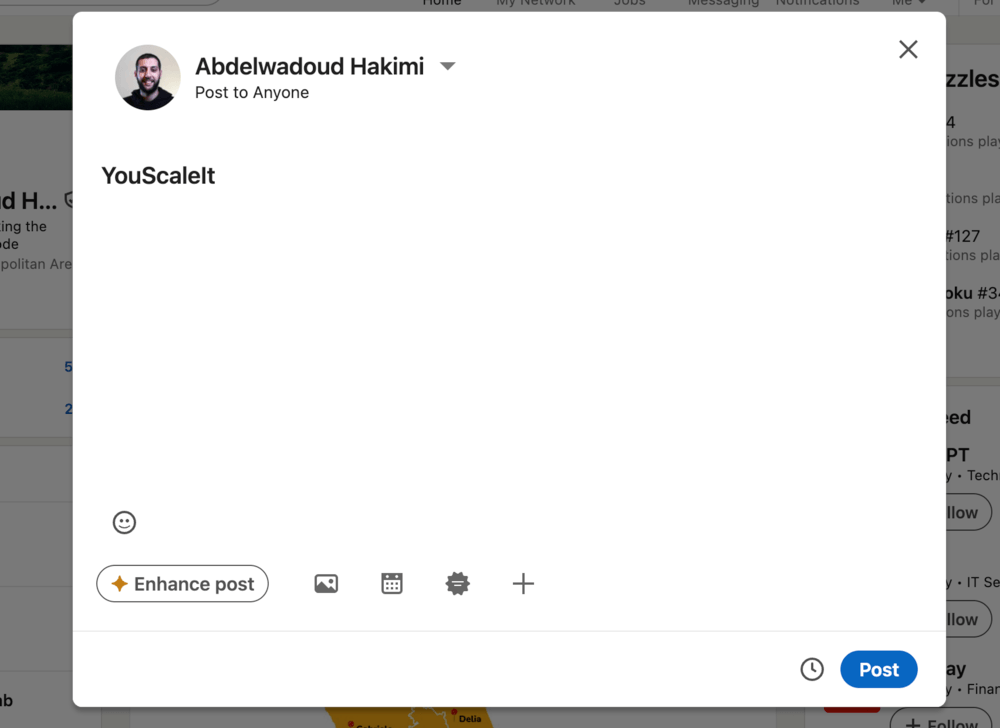
That’s it! You have done it!
Probably the reason why you want to mentions someone, is to get higher exposure and get more traffic, but what about posting on 6 different platforms with one click?
Something like this will at least gives you 6x more exposure, and if you have business accounts like on Linkedin on Facebook using the business plans that will add other 2x at least, that means 8x more exposure for your content.
If you have 2 accounts for each platform that is 16x exposure…
That’s why I suggest you to try YouScaleIt, add multiple accounts on multiple platforms, write Ai drafts in seconds, manage and schedule all your posts from one place.
Click here to know more, or if you have business pages on Facebook and Linkedin then check the Business Plan Click here.